author: liza category: Product date: ‘2026-07-11’ description: Both “answer questions,” but behave differently on a website. We break down with examples why “showing” works better than “telling in a window.” excerpt: Both “answer questions,” but behave differently on a website. We break down with examples why “showing” works better than “telling in a window.” post: true tags: - product - comparison title: ‘Voice Guide vs Chatbot: What is the Practical Difference’
Voice Guide vs Chatbot: What is the Practical Difference
Both "answer questions," but behave differently on a website. We break down with examples why "showing" works better than "telling in a window."


"But we already have a chatbot" - a common reaction when the topic of a voice guide comes up. Both tools do indeed answer questions. But the difference isn't in voice versus text - it's in where the answer takes place.
The chatbot answers in a window
A classic chat lives in the corner of the screen. A visitor asks a question - and gets a paragraph of text in the same little window. Then they have to match what was said with the site themselves: find the right section, scroll, compare. The answer and the site exist separately from each other.
This is fine for "yes/no" references. But as soon as the question is about "where to look" or "what it looks like", text in a window forces the person to do the navigation work themselves.
The guide answers on the page
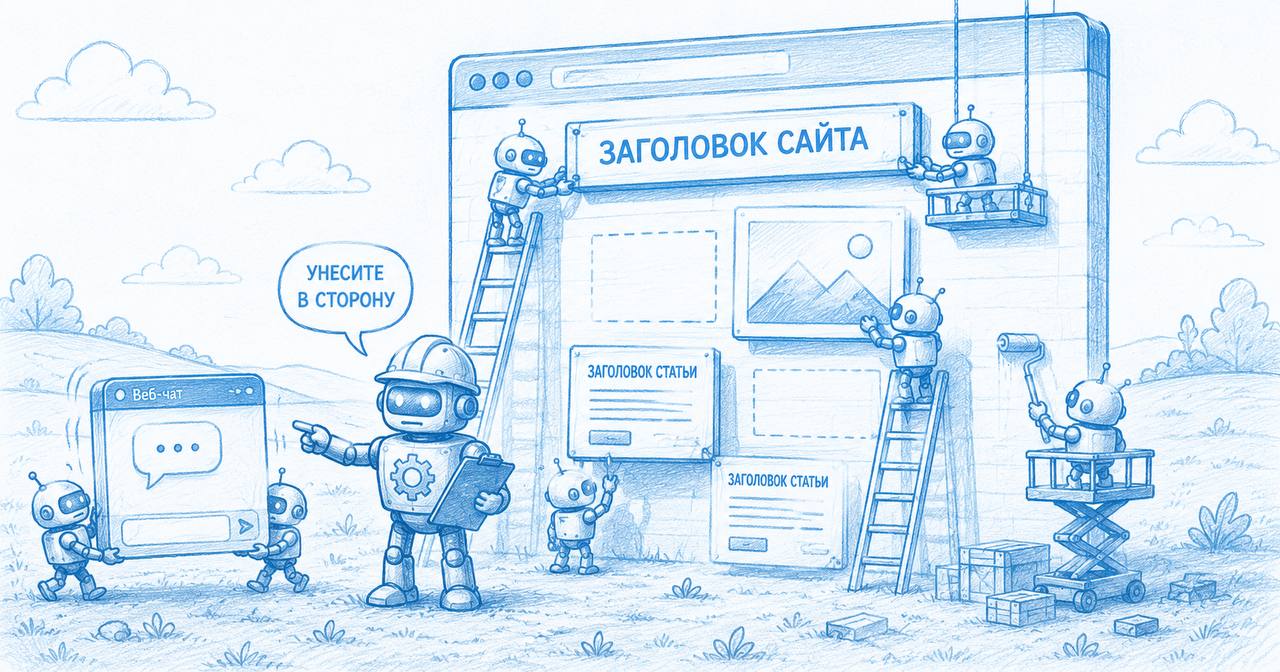
A voice guide doesn't describe the site - it controls it. In response to "show me examples of work," it scrolls to the relevant gallery, highlights it, and gives a brief comment. The answer is visible in context, not separate from it.
A chatbot tells you about the page. A guide shows you the page itself.
A small example
A salon, the question "how much does coloring cost." A chatbot will send the price as text. A guide will open the price list, highlight the coloring line, and offer to proceed to booking - all in one motion, without manual searching.
Where exactly they diverge
| What happens | Chatbot | Guide |
|---|---|---|
| Form of answer | text in a window | action on the page |
| Navigation is done by | the visitor themselves | the guide |
| Connection to the site | separate from content | within the content |
| Leads to an action | via a link | helps fill it in |
When a chatbot is enough
Honestly: if the site is a single page with a phone number and a couple of paragraphs, the difference is barely noticeable. A guide shines where there is somewhere to lead: a catalog, price list, gallery, booking form, help sections.
- lots of content and sections - the guide has things to show;
- there is a target action (booking, form) - it leads the user to it;
- questions are often about "where" and "what it looks like," not just "yes/no."