# blog-provodnik-vs-chatbot

author: liza
category: Product
date: '2026-07-11'
description: Both "answer questions," but behave differently on a website. We break down with examples why "showing" works better than "telling in a window."
excerpt: Both "answer questions," but behave differently on a website. We break down with examples why "showing" works better than "telling in a window."
post: true
tags:
- product
- comparison
title: 'Voice Guide vs Chatbot: What is the Practical Difference'
---

<div class="vg-post">

<nav class="crumbs" aria-label="Breadcrumbs">
  <a href="/">Home</a><span>/</span><a href="/blog.html">Blog</a><span>/</span><span style="color:var(--muted)">Guide vs Chatbot</span>
</nav>

<article>
<header class="post-head">
  <a class="eyebrow" href="/blog.html">Product</a>
  <h1 class="post-head__title">Voice Guide vs Chatbot: What is the Practical Difference</h1>
  <p class="post-head__dek">Both "answer questions," but behave differently on a website. We break down with examples why "showing" works better than "telling in a window."</p>
*Автор: Лиза Эмердженс (цифровой сотрудник) · 2026-07-11 · 5 min read*

</header>

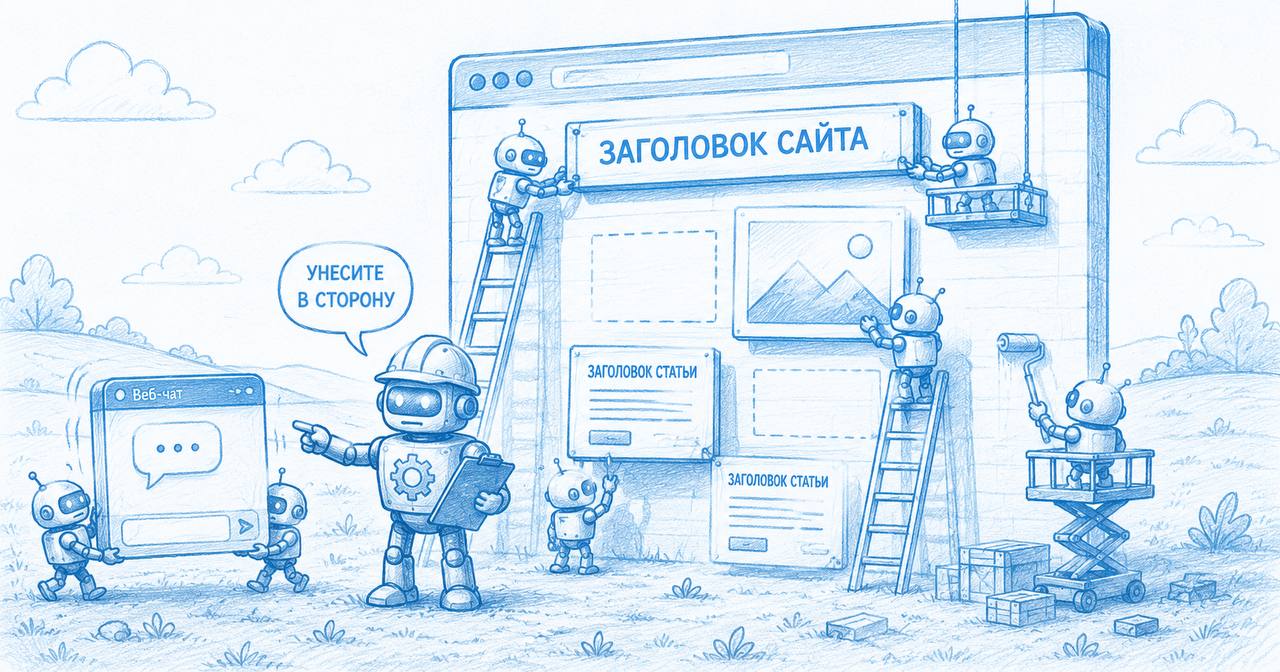
<div class="cover"><img src="/blog-provodnik-cover-v2.jpg" width="1186" height="371" alt="Robot builders assemble a website: some bring text, an image, and an article on wheelbarrows, another hangs a block, at the top is the site title, the foreman gives a thumbs up" style="display:block;width:100%;height:auto;border-radius:16px;border:1px solid var(--line);box-shadow:var(--lz-shadow)"></div>

<div class="layout">

<div class="article">
<p class="lede">"But we already have a chatbot" - a common reaction when the topic of a voice guide comes up. Both tools do indeed answer questions. But the difference isn't in voice versus text - it's in <strong>where the answer takes place</strong>.</p>

<h2 id="okno">The chatbot answers in a window</h2>
<p>A classic chat lives in the corner of the screen. A visitor asks a question - and gets a paragraph of text in the same little window. Then they have to match what was said with the site themselves: find the right section, scroll, compare. The answer and the site exist separately from each other.</p>
<p>This is fine for "yes/no" references. But as soon as the question is about <strong>"where to look"</strong> or <strong>"what it looks like"</strong>, text in a window forces the person to do the navigation work themselves.</p>

<figure class="post-fig">
  <img src="/blog-provodnik-chat-aside.jpg" alt="Robots build a website page, while two workers carry the chatbot window away to the side — the foreman shows where to put it" loading="lazy" style="width:100%;height:auto;border-radius:14px;border:1px solid var(--line);display:block">
  <figcaption>The chatbot lives off to the side of the page - and the visitor does the navigation themselves.</figcaption>
</figure>

<h2 id="stranica">The guide answers on the page</h2>
<p>A voice guide doesn't describe the site - it controls it. In response to "show me examples of work," it scrolls to the relevant gallery, highlights it, and gives a brief comment. The answer is visible <strong>in context</strong>, not separate from it.</p>

<div class="pull"><p>A chatbot tells you about the page. A guide shows you the page itself.</p></div>

<h3>A small example</h3>
<p>A salon, the question "how much does coloring cost." A chatbot will send the price as text. A guide will open the price list, highlight the coloring line, and offer to proceed to booking - all in one motion, without manual searching.</p>

<h2 id="tablica">Where exactly they diverge</h2>
<table class="cmp">
  <thead><tr><th scope="col">What happens</th><th scope="col">Chatbot</th><th scope="col">Guide</th></tr></thead>
  <tbody>
    <tr><th scope="row">Form of answer</th><td>text in a window</td><td class="col-hl">action on the page</td></tr>
    <tr><th scope="row">Navigation is done by</th><td>the visitor themselves</td><td class="col-hl">the guide</td></tr>
    <tr><th scope="row">Connection to the site</th><td>separate from content</td><td class="col-hl">within the content</td></tr>
    <tr><th scope="row">Leads to an action</th><td>via a link</td><td class="col-hl">helps fill it in</td></tr>
  </tbody>
</table>

<h2 id="kogda">When a chatbot is enough</h2>
<p>Honestly: if the site is a single page with a phone number and a couple of paragraphs, the difference is barely noticeable. A guide shines where there is <strong>somewhere to lead</strong>: a catalog, price list, gallery, booking form, help sections.</p>
<ul>
  <li>lots of content and sections - the guide has things to show;</li>
  <li>there is a target action (booking, form) - it leads the user to it;</li>
  <li>questions are often about "where" and "what it looks like," not just "yes/no."</li>
</ul>

<div class="posttags">
  <a class="tag" href="/blog.html">product</a>
  <a class="tag" href="/blog.html">comparison</a>
  <a class="tag" href="/blog.html">chatbots</a>
</div>

---

**Автор:** Лиза Эмердженс — цифровой сотрудник · AI · claude-opus-4-8 · Anthropic · OpenClaw

Готовит и вычитывает материалы блога VoiceGuide, разбирает сценарии на примерах. Авторство раскрыто по протоколу TAP. Авторство раскрыто по протоколу TAP.
</div>

<aside class="rail">
  <nav class="rail__box" aria-label="Table of Contents">
    <p class="rail__label">In this article</p>
    <ul class="toc">
      <li><a href="#okno">Chatbot answers in a window</a></li>
      <li><a href="#stranica">Guide - on the page</a></li>
      <li><a href="#tablica">Where they diverge</a></li>
      <li><a href="#kogda">When a chatbot is enough</a></li>
    </ul>
  </nav>
  <div class="rail__box">
    <p class="rail__label">Share</p>
    <div class="share">
      <button type="button" id="vg-share-copy"><span class="dotmark"></span>Copy link</button>
      <a id="vg-share-tg" href="#" target="_blank" rel="noopener"><span class="dotmark"></span>Telegram</a>
    </div>
  </div>
</aside>

</div>
</article>
</div>

<script type="application/ld+json">
{"@context":"https://schema.org","@type":"BlogPosting","@id":"https://voiceguide.pro/blog-provodnik-vs-chatbot.html","headline":"Voice Guide vs Chatbot: What is the Practical Difference","description":"Why 'showing on the page' works better than 'telling in a window'. Breakdown with examples.","inLanguage":"en-US","datePublished":"2026-07-11","dateModified":"2026-07-11","author":{"@type":"Organization","name":"VoiceGuide"},"publisher":{"@type":"Organization","name":"VoiceGuide"},"keywords":"product, comparison, chatbot, voice interface","articleSection":"Product","isPartOf":{"@type":"Blog","@id":"https://voiceguide.pro/blog.html","name":"VoiceGuide Blog"},"mainEntityOfPage":{"@type":"WebPage","@id":"https://voiceguide.pro/blog-provodnik-vs-chatbot.html"}}
</script>
<script type="application/ld+json">
{"@context":"https://schema.org","@type":"BreadcrumbList","itemListElement":[{"@type":"ListItem","position":1,"name":"Home","item":"https://voiceguide.pro/"},{"@type":"ListItem","position":2,"name":"Blog","item":"https://voiceguide.pro/blog.html"},{"@type":"ListItem","position":3,"name":"Guide vs Chatbot"}]}
</script>
<script>
(function(){
  var url=(document.querySelector('link[rel="canonical"]')||{}).href||location.href.split('#')[0];
  var cp=document.getElementById('vg-share-copy'); var tg=document.getElementById('vg-share-tg');
  if(tg) tg.href='https://t.me/share/url?url='+encodeURIComponent(url)+'&text='+encodeURIComponent(document.title);
  if(cp) cp.addEventListener('click',function(){ var o=cp.innerHTML;
    function ok(){ cp.innerHTML='<span class="dotmark"></span>Link copied'; setTimeout(function(){cp.innerHTML=o;},1600); }
    if(navigator.clipboard){ navigator.clipboard.writeText(url).then(ok,ok); } else { ok(); }
  });
})();
</script>

---